#Subscription & Billing
#1. How It Works
Biblion offers two tiers of service:
- Free Tier: Users may use basic reference management, local library storage, and Word citation formatting for free.
- Pro Tier: Cloud synchronization across multiple devices, automatic backup, and advanced AI features require a recurring subscription currently priced at $15/month.
When you sign up (create an account), you are automatically granted a 15-day free trial of Pro without needing a credit card upfront. Payments are handled securely by Lemon Squeezy, which acts as the merchant of record. Biblion never sees or stores your payment card details.
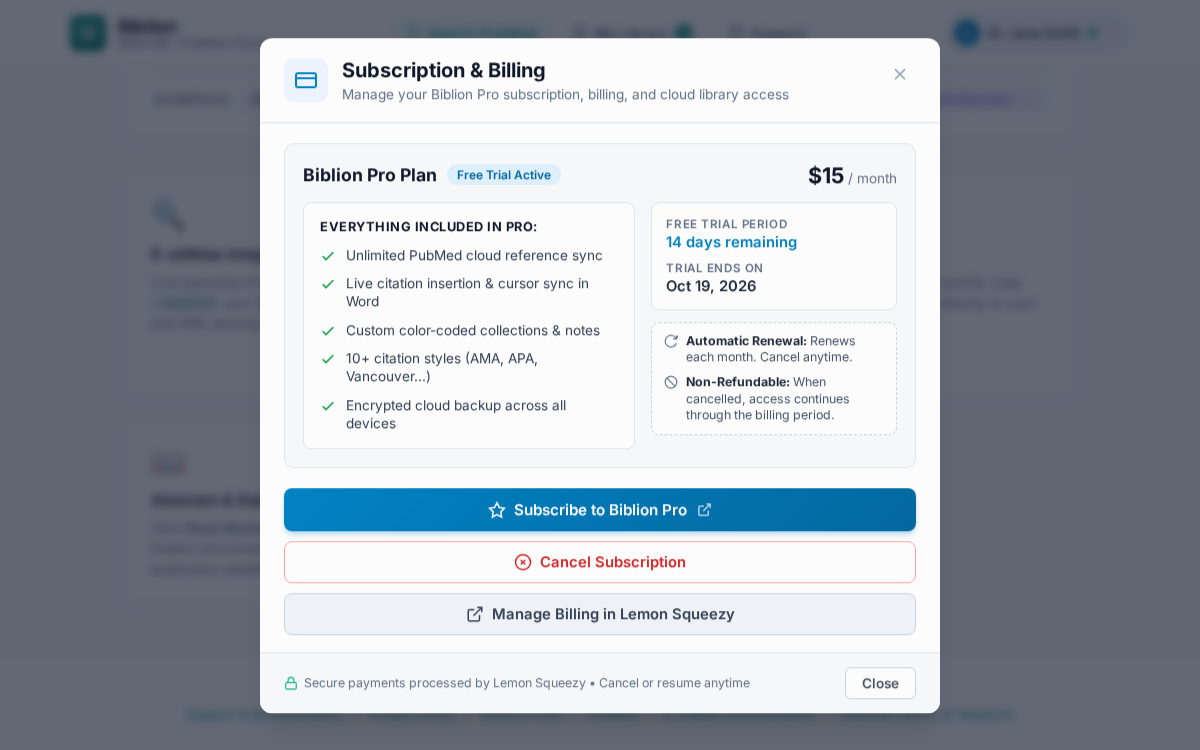
#Your subscription status
Your status is shown in the account menu (click your name) and in the Subscription & Billing window:
| Status | What it means |
|---|---|
| Free Trial Active | Full access to Pro features; displays the days remaining (15 days total). |
| Active | Paid Pro subscription ($15/month); shows card brand, last four digits, and next renewal date. |
| Cancelled | If cancelled during trial, trial access ends immediately. If cancelled on a paid plan, access remains active until the end of the paid billing period. |
| Expired - Grace Period | Pro cloud sync is paused, but cloud data is safely preserved for a 30-day countdown. |
| Data Erased | The 30-day grace period elapsed without renewal; all cloud data has been permanently purged. |
#2. Upgrade to Pro
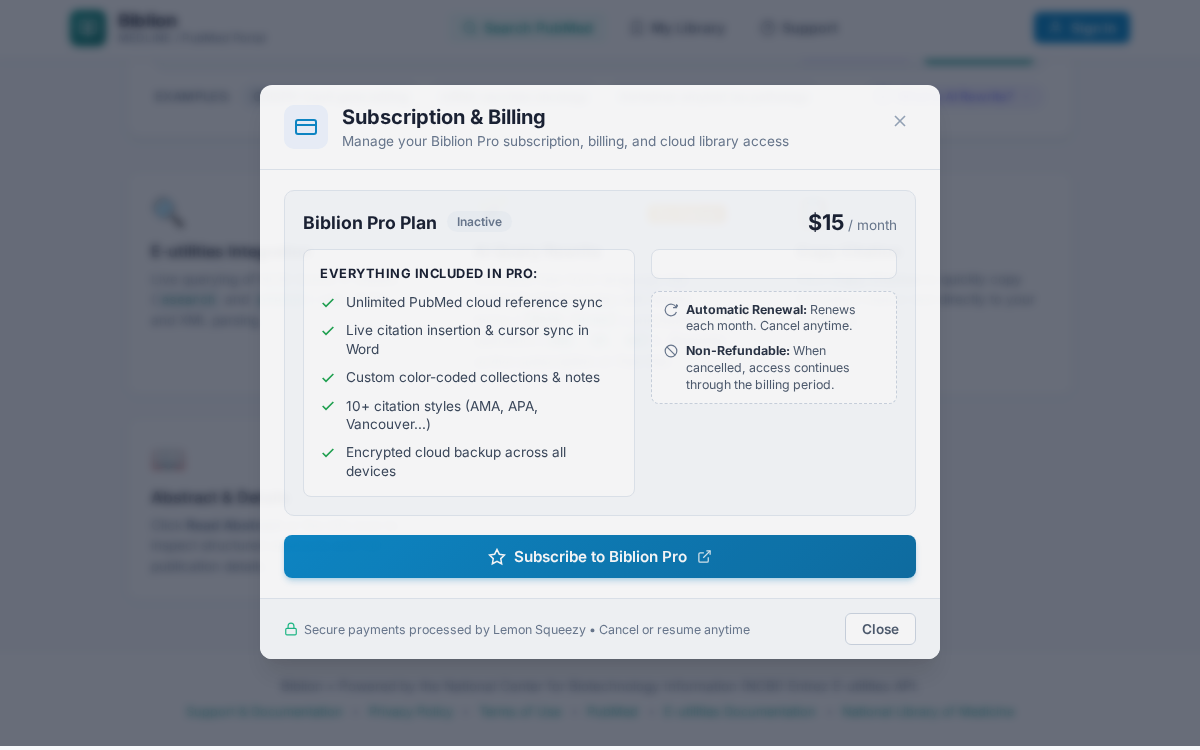
- Click your name → Subscription & Billing.
- Click Upgrade to Pro ($15/month).
- Lemon Squeezy's secure checkout opens in a new browser tab. Your name and email are pre-filled and the purchase is linked to your Biblion account automatically.
- Complete payment. Return to Biblion; your status updates to Active immediately.
#3. Cancel or Resume
- Cancelling a Free Trial: If you choose to cancel your free trial, trial access ends immediately. The 30-day grace period timer begins at once.
- Cancelling a Paid Subscription: Open Subscription & Billing, click Cancel Subscription, and confirm. Automatic renewal is stopped. You retain full access for the remainder of the billing period you have already paid for. Payments are strictly non-refundable.
- Resuming a Paid Subscription: Changed your mind? Before your paid period ends, open the same window and click Resume Subscription. Auto-renewal is restored with no interruption to your service.
#4. Update Payment Details or Get Invoices
Use the customer billing portal link in the Subscription & Billing window. It opens Lemon Squeezy's secure portal in a new tab, where you can update your card and download receipts.
#5. If Your Subscription Lapses & Data Retention
- 30-Day Grace Period: If you do not renew or if you cancel, your account enters a 30-day grace period. Cloud sync is temporarily paused, but your existing cloud articles and collections are protected. A warning banner at the top of Biblion alerts you to the exact days remaining.
- Automated Cloud Data Erasure: If you do not renew your subscription during the 30-day period, all cloud articles, collections, and library data are permanently erased by the automated purge system.
Tip: Export a local backup from My Library (Export → JSON) at any time to preserve an offline copy of your references and collections.
#6. Privacy & Security
- Card details are entered only on Lemon Squeezy's checkout and portal.
- Signing out clears your session and local library from the device; see Account & Sign-In.
For plan or billing questions, see the contact details on the About page or contact support directly at support@biosystechnologies.com.